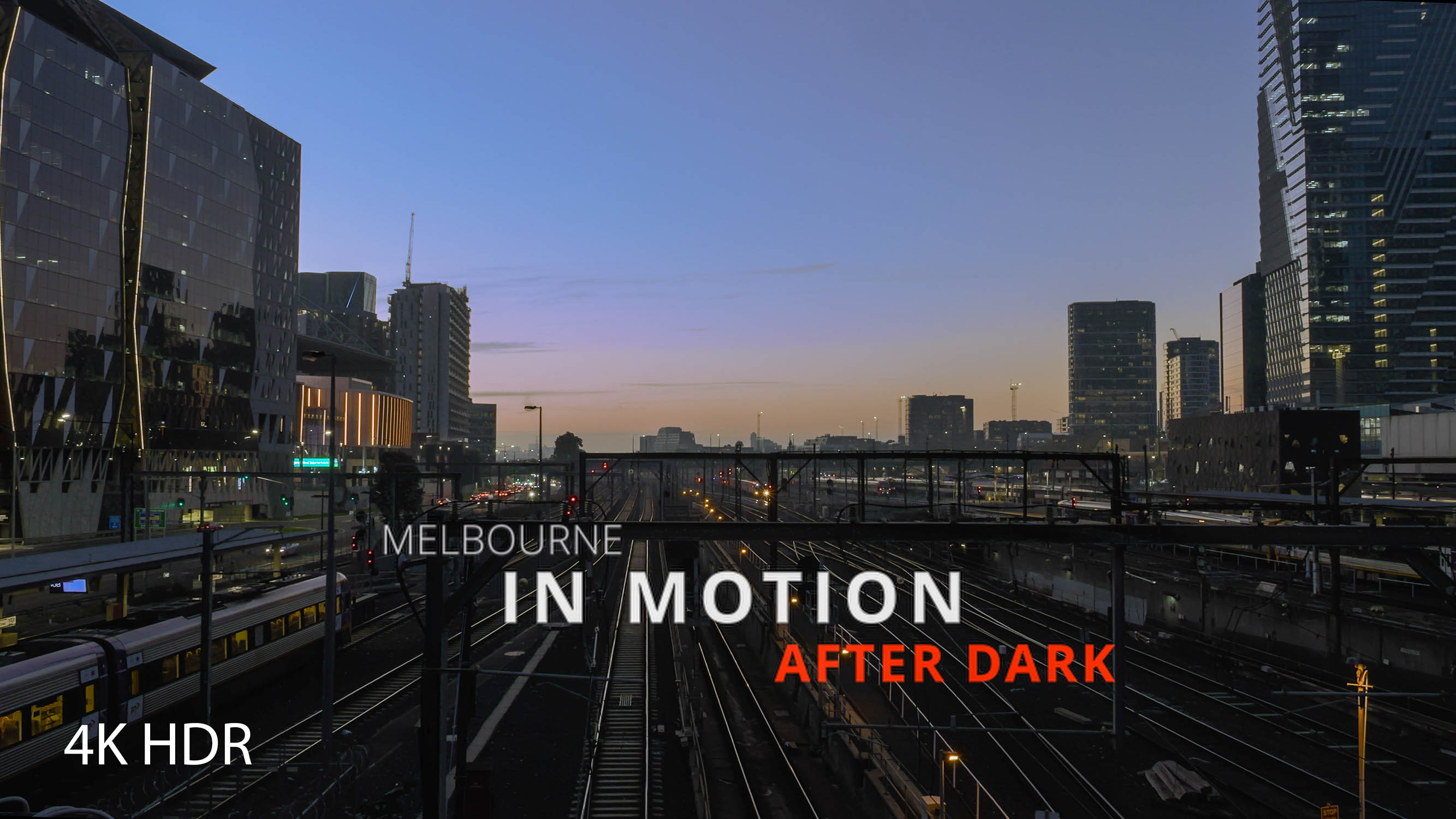
Melbourne in Motion
So, another video of Melbourne at night. Another one — but not quite like the ones I have made before.
What makes this one different from my usual videos? The answer might be slightly surprising.
It is not a new camera or a new lens. It is a new approach to filmmaking — and a new computer. Let’s start with the computer.
I mentioned earlier that I had decided to jump from Team Microsoft to Team Apple. Well, it has finally happened. I actually pulled the trigger on the new computer back in June, but the order only arrived three months later. And now there is a silver box on my desk called the Mac Studio M4 Max.
To go with the new computer, I bought a new monitor as well. The two older ones have been turned vertically and placed either side of the main display. By the way, a vertical monitor is incredibly useful. Don’t believe me? Give it a try yourself.
This is what my video-editing workstation looks like now:

Yes — this Mac was bought specifically for video editing. It has opened up some new possibilities, and naturally I had to try them.
My usual YouTube videos follow a fairly straightforward pattern: three to eight minutes long, made from clips arranged in the order they were filmed, with some good music over the top. The image editing is generally fairly minimal.
This time, I wanted to change a few things.
First, the film would be longer and would use footage from several different shoots, rather than just one.
Second, I wanted to arrange the clips not only chronologically, but thematically as well. I wanted it to feel like more than just a walk around with a camera. It needed a central idea and some kind of logical structure.
Third, I wanted to do much more detailed work on the picture itself. In other words, to treat each clip the way I treat a photograph: using masks, adjusting the light, colour and texture in different parts of the frame, and trying to create something that is simply nice to look at.
My old computer could manage this with individual photos. But when there are 25 of them every second, it was not really up to the job. The Mac Studio is.
So, what did I end up with?
Oddly enough, the planning took the most time. I decided to use clips from my previous three night shoots. I had already used most of them in earlier videos, but not all of them. I spent at least a couple of weeks thinking about what I wanted to make and discussing different ideas with my tame AI.
Eventually, I made a complete Excel list of the clips I wanted to use, including detailed descriptions. I fed it to the AI and explored different themes, structures and possible sequences.
Once I was happy with the clip order, the technical part remained: the actual editing. That took another three days. The result is an 18-minute video made from more than 100 clips, filmed around Melbourne — along the Yarra River and at Southern Cross and Flinders Street stations.
The theme of the film is Melbourne in Motion: the continuous flow of transport and people at night. I have always found that visual rhythm fascinating, and I wanted to share it with you.
It is far from a masterpiece — more like a first experiment with a new concept. But have a look and decide for yourself:
Leave a Reply